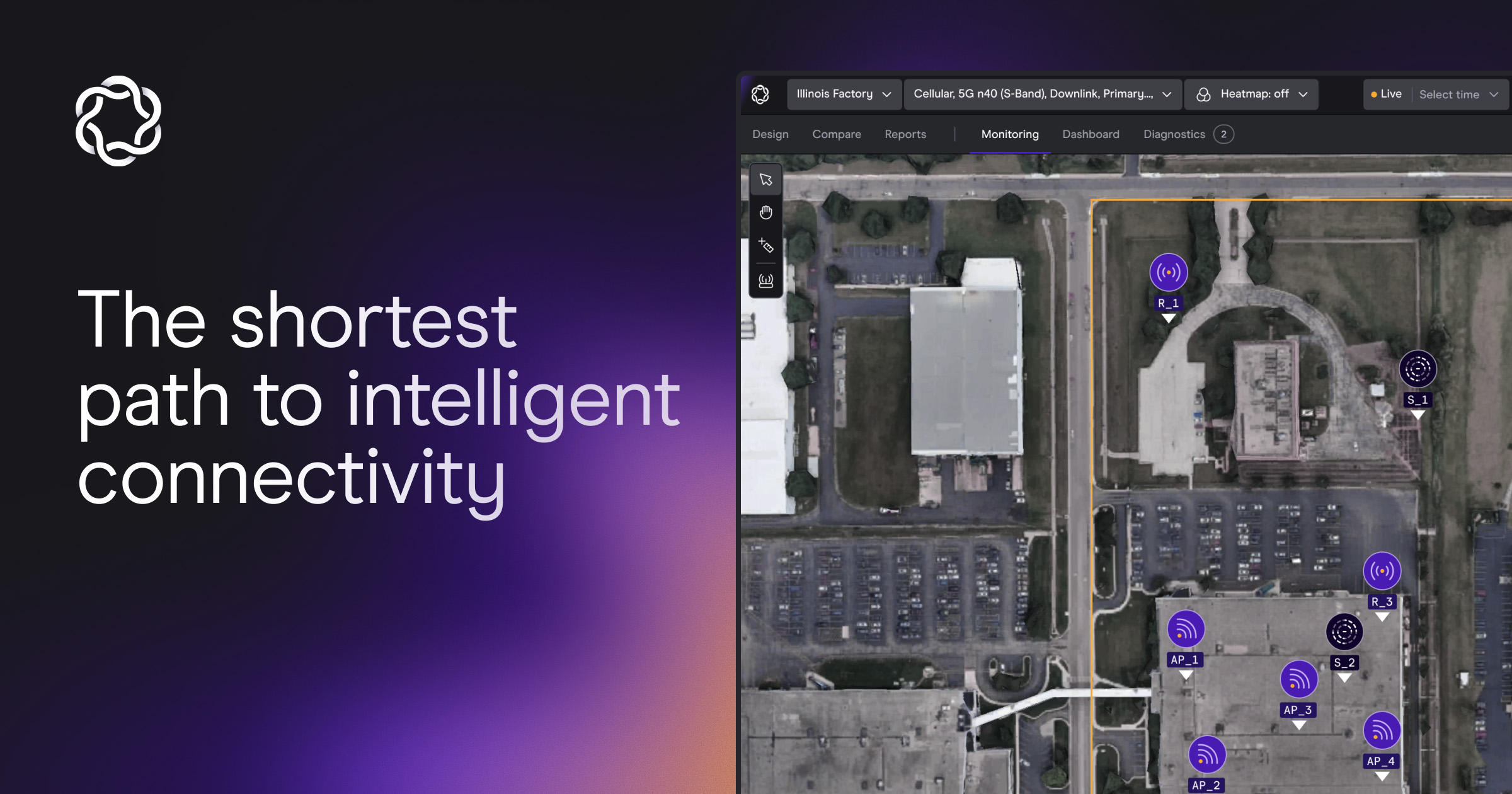
eino is an iBwave alternative for teams that want to design, share, validate, and monitor wireless networks in one cloud workspace instead of a desktop file. iBwave is the incumbent: a Windows desktop toolset that most in-building RF engineers learned first, backed by a certification program and a file format some carriers still require for approval. This page compares the two on architecture and delivery model, sourced from both vendors' own pages, so you can decide which one fits how your team actually works.
Published: September 10, 2026
Updated: September 10, 2026
By: Jon Lampkin, Head of Marketing
Choose eino when: Your team needs to produce more designs with the same headcount, wants everyone touching a project working in one live model, and plans networks that span Wi-Fi, private 5G, DAS, CBRS, public safety, fixed wireless, and LoRa. eino is AI-native, runs in the browser on cloud GPUs, and cuts design time by 85% or more compared with manual desktop modeling. It suits systems integrators, VARs, presales engineers, carriers, and enterprise teams whose designs change often.
Choose iBwave when: Your carrier requires .ibw files for design approval today, your team's process is already built around iBwave certification and desktop project files, or you have a large archive of legacy .ibw projects you revisit. iBwave suits organizations where familiarity with the existing tool outweighs the cost of the desktop workflow.
This is not a claim that one platform produces more accurate RF predictions than the other. Both use ray tracing, and indoor propagation accuracy depends on the floor plan, material assumptions, antenna data, installation conditions, and validation measurements. Accuracy is table stakes in this category. The practical difference is how fast a team gets to a usable model, who can participate, and whether the model keeps working after the network is live.
For a broader view of eino's product direction, see the why eino overview. This page focuses on buyers evaluating an iBwave Design alternative or DAS design software for active projects.
iBwave has been the default in-building wireless design tool since the early 2000s, and its position today rests on three things: familiarity, certification, and a file format.
Familiarity is real. Many RF engineers learned the trade in iBwave Design, and a workflow you already know is a workflow you do not have to think about. Certification is real too. iBwave's three-level Certified Professional program appears in integrator job postings, and a shared credential gives engineering groups a common language for reviewing complex venues.
The file format is the strongest of the three. Some carriers require .ibw files for in-building design approval. That mandate governs what gets submitted at the end of a project, and it has kept iBwave licenses on desks regardless of how engineers feel about the tool itself.
None of those three is about design speed, collaboration, or what happens after turnover. iBwave Design Enterprise runs on Windows 11 Pro 64-bit with an NVIDIA RTX 4090 as the recommended desktop GPU (iBwave system requirements, as of September 2026). Every license allows one concurrent user. Reviewers open designs through a separate Viewer product on Windows. iBwave's own stadium benchmark lists prediction runtimes from 28 minutes on the recommended workstation to 2 hours 30 minutes on the minimum spec. Projects travel as files, by email or through a separate cloud product, iBwave Unity. Each of those is a place where engineering time goes before any RF decision gets made, and none of them scales across a portfolio of sites.
eino was built from the start as one cloud platform, opened in a browser, with the GPU compute on our side of the connection. The design is a live 3D digital twin that your whole team, your customer, and your carrier reviewer can be in at the same time. Here is what that changes.
eino starts with an uploaded floor plan, which can be a PDF, image, IFC/BIM file, or a phone scan, and turns a multi-page PDF into a multi-floor 3D model. Walls, doors, and windows are detected and assigned material properties, which the engineer reviews against site information before running predictions.
From there, eino's AI assistant carries out planning tasks from a chat instruction, with an approval step before anything changes: place access points across floors as one system, generate a layout for a coverage objective, produce a ROM estimate, and run a design validation that returns a verdict. The engineer still defines coverage targets, technology choices, equipment assumptions, and constraints. What disappears is the repetitive model-building that delays those decisions. An initial design that takes days of CAD-style modeling in a desktop tool takes about 30 minutes in eino, which is where the 85%+ reduction in design time comes from. NTT's solution architects describe it as "a head start of a week minimum" on every project.
eino uses deterministic ray tracing on NVIDIA GPUs to model reflection, diffraction, and attenuation through the digital twin. The difference from a desktop tool is where the GPUs live. They are in eino's cloud, so a laptop and a workstation get the same result in the same time, and nobody buys or maintains an RTX-class machine to run a prediction.
Results return in seconds rather than after a simulation cycle. That matters when a solution architect is comparing antenna placements, testing a private 5G overlay, or responding to a customer change live in a design review. A team can test more viable options before committing equipment, labor, or schedule. The propagation engine was built by physicists, and we will prove parity with iBwave side by side on any building you choose.
eino is cloud-native. There are no .ibw-style project files to email, no Viewer licenses to buy so a reviewer can open a design, and no single-concurrent-user limit. Anyone with a link and a role assigned by you opens the current design in a browser: the RF engineer, the presales lead, the project manager, the carrier's RF reviewer, the OEM architect, and the end customer. Federated SSO, permissions, comments, save states, an activity log, and undo/redo for every user come with the platform.
That difference shows up in real project work:
Rahul Bangera at NTT put it directly: "I don't want to use a different tool between pre-sales and post-sales. My goal is to have a high-level design, do a site survey, and fine-tune the same design."
Most enterprise connectivity projects involve more than one RF system. A warehouse needs Wi-Fi for handhelds, private 5G for automation, fixed wireless for the yard, and LoRa for sensors. A venue combines DAS, public safety, Wi-Fi, and private cellular. Physical AI deployments, from AGVs to humanoid robots, depend on all of it working together.
eino models these technologies in one digital twin, indoor and outdoor, in a single project:
iBwave sells twelve separately named products across indoor design, outdoor design (iBwave Reach), public safety, survey, viewing, and project management (ibwave.com/products, as of September 2026). A separate tool per technology means duplicate floor-plan work and disconnected assumptions. One model surfaces conflicts early: competing mount locations, coverage gaps between indoor and outdoor, or a construction change that affects three networks at once.
Design is where most tools stop. eino carries the same digital twin through the whole network lifecycle. eino Site Survey runs on iOS and Android, streams live wall-aware heatmaps during the walk, and grades predicted against measured in the same project, so calibration and prediction-vs-measured reporting happen without exporting anything. After turnover, eino Monitoring links live network telemetry to the physical context in the twin. AI agents watch continuously, detect anomalies, and investigate likely root causes using network data, location, and modeled infrastructure, so operations teams move from an alert to a site-specific investigation path instead of a blank ticket.
The table reflects the primary architectural differences between eino and iBwave Design as described on each vendor's site. iBwave facts are as of September 2026. Buyers should confirm current capabilities against their own licensing, integration, and deliverable requirements.
| Area | iBwave Design | eino |
|---|---|---|
| Workflow | Windows desktop software with manual CAD-style RF modeling | AI-native, cloud design in the browser from an uploaded floor plan |
| Hardware | Windows 11 Pro 64-bit, NVIDIA RTX 4090 recommended, 1 TB NVMe minimum | Any current browser. GPU ray tracing runs in eino's cloud |
| Collaboration | One concurrent user per license; project files shared by email or iBwave Unity; reviewers need a Viewer install | Live multiplayer in one digital twin; anyone with a link and a role opens it in a browser |
| Technology scope | Indoor-first; outdoor, public safety, and survey sold as separate products (12 named products) | Wi-Fi, private 5G, DAS, CBRS, public safety, fixed wireless, LoRa, indoor and outdoor, in one project |
| Initial design speed | Manual modeling cycles often take days | Initial design in about 30 minutes; 85%+ less design time |
| Training | Three-level certification program, 3 days per level, $1,855 per level | No certification required to open, edit, or share a design. Dedicated account manager included |
| Release cadence | Annual major releases | Cloud releases roughly every two weeks, all future AI features included |
| After design | Design-focused workflow; no monitoring | Design, site survey validation, and 24/7 AI-agent monitoring with root cause analysis in the same model |
Ceragon evaluated six design tools before standardizing on eino and shipped 191 wireless design projects and $10M in new contracts in under a year. NTT moved 100% of its outdoor designs into eino and eliminated $5,000 to $10,000 in geodata procurement per project.
Book an eino demo
eino exports DWG that opens in iBwave and AutoCAD, and IFC 4 and 4.3 for Revit, Navisworks, and other BIM tools. The 3D scene comes across with walls kept on separate layers. Radios, antennas, and cabling come across as markers, not as native iBwave components, so they are re-placed if the final deliverable is built in iBwave. eino also exports GeoTIFF, Shapefile, KMZ, PDF, CSV, and interactive share links.
eino does not read .ibw files. Existing iBwave projects stay in iBwave. Component data (VEX, MSI, and custom CSV antenna patterns) imports directly, and we add radios and antennas to the library within 24 to 72 hours at no charge.
Where a carrier mandates .ibw for approval, that mandate governs the file that gets submitted. It does not govern how the design gets built, who works on it, or how long it takes. Teams run eino in front of that step: design, collaborate, and validate in the cloud, then export into the deliverable workflow the carrier requires. Carrier acceptance of eino-originated designs is an active conversation with operators, and this page will be updated when it changes.
There are three honest cases where iBwave stays in the workflow:
Outside those cases, the reasons to stay are familiarity and sunk training cost. Both are real, and both should be weighed against a measurable bottleneck: design backlog, slow revision cycles, files that reviewers cannot open, a separate tool for every technology, or no continuity from design into operations.
eino fits teams that treat wireless design as a repeated production process rather than a one-off desktop engineering task. It is most valuable where the design backlog grows faster than a small RF team can manually model sites.
Systems integrators and VARs benefit when presales, RF engineering, and delivery need the same current design. A sales engineer uses the 3D digital twin in the proposal. The delivery team continues from that model instead of rebuilding site context after contract signature. Validation and monitoring extend the same model into the customer relationship after turnover.
Enterprises should consider eino when their connectivity plan spans more than one technology or when physical AI is on the roadmap. Managing Wi-Fi in one tool, private 5G in another, DAS in a third, and operations data somewhere else creates blind spots during design changes and incident response.
eino is also the fit when requirements move quickly. Manufacturing floors change equipment layouts. Warehouses add racking. Hospitals renovate wings. Venues alter seating. Each change affects the RF environment, and a cloud model with AI-assisted redesign gives teams a shorter path from updated drawings to an engineering decision.
Yes. eino is an AI-native, cloud-based iBwave alternative for in-building and outdoor wireless design, DAS design, site survey validation, and network monitoring. It runs in a browser on cloud GPUs, models Wi-Fi, private 5G, DAS, CBRS, public safety, fixed wireless, and LoRa in one digital twin, and cuts design time by 85% or more compared with manual desktop modeling.
No. There is no certification program to open, edit, or share a design in eino. RF engineers are productive in their first week, and a dedicated account manager is included. iBwave offers a three-level certification program at $1,855 per level, as of September 2026.
No. Ray tracing runs on eino's cloud GPUs, so any current browser on macOS, Windows, Linux, or a tablet gets the same result in the same time. iBwave Design Enterprise lists Windows 11 Pro 64-bit and an NVIDIA RTX 4090 as its recommended desktop configuration.
We do not claim that. Both platforms use ray tracing, and accuracy is table stakes in this category. We claim parity and will prove it side by side on a building you choose. The difference is how the work gets delivered: cloud, AI-native, GPU-accelerated, and shared by link.
Yes. Many teams run eino in front of iBwave: design, collaborate, validate, and monitor in eino, then export DWG into iBwave when a carrier requires an .ibw deliverable. Where no .ibw mandate applies, eino covers design, survey, and monitoring in one platform.
No. eino does not read .ibw files. Component data (VEX, MSI, and CSV antenna patterns) imports directly, and eino adds radios and antennas to the library within 24 to 72 hours at no charge.
eino supports Wi-Fi, private and public 4G/5G, active and passive DAS, CBRS, public safety, fixed wireless, and LoRa. The platform models indoor and outdoor environments together, with terrain, clutter, and building footprints included, so teams plan connectivity across buildings, yards, campuses, and mixed-use sites in one project.
The fastest way to evaluate eino against iBwave is on your own building. Bring a floor plan you have already designed, and we will build it in eino on the call.
Book a demo