Today we're launching the eino MCP server: 10 read-only tools that connect AI tools like Claude Code and Codex to your wireless design platform, covering projects, floors, radios, coverage, capacity, costs, and reports.
The AI tooling space is having a moment. Everyone suddenly has an MCP server, the way everyone suddenly had a mobile app in 2010. And the trend is rational: MCP (Model Context Protocol) is quickly becoming the standard way AI connects to tools and data.
But it says it right in the name: Model Context Protocol. Context is the operative word. An MCP server that exposes disconnected API endpoints hands the model a pile of records and hopes it can guess how they relate. For wireless network design, that guessing game is unacceptable, because the relationships are the engineering.
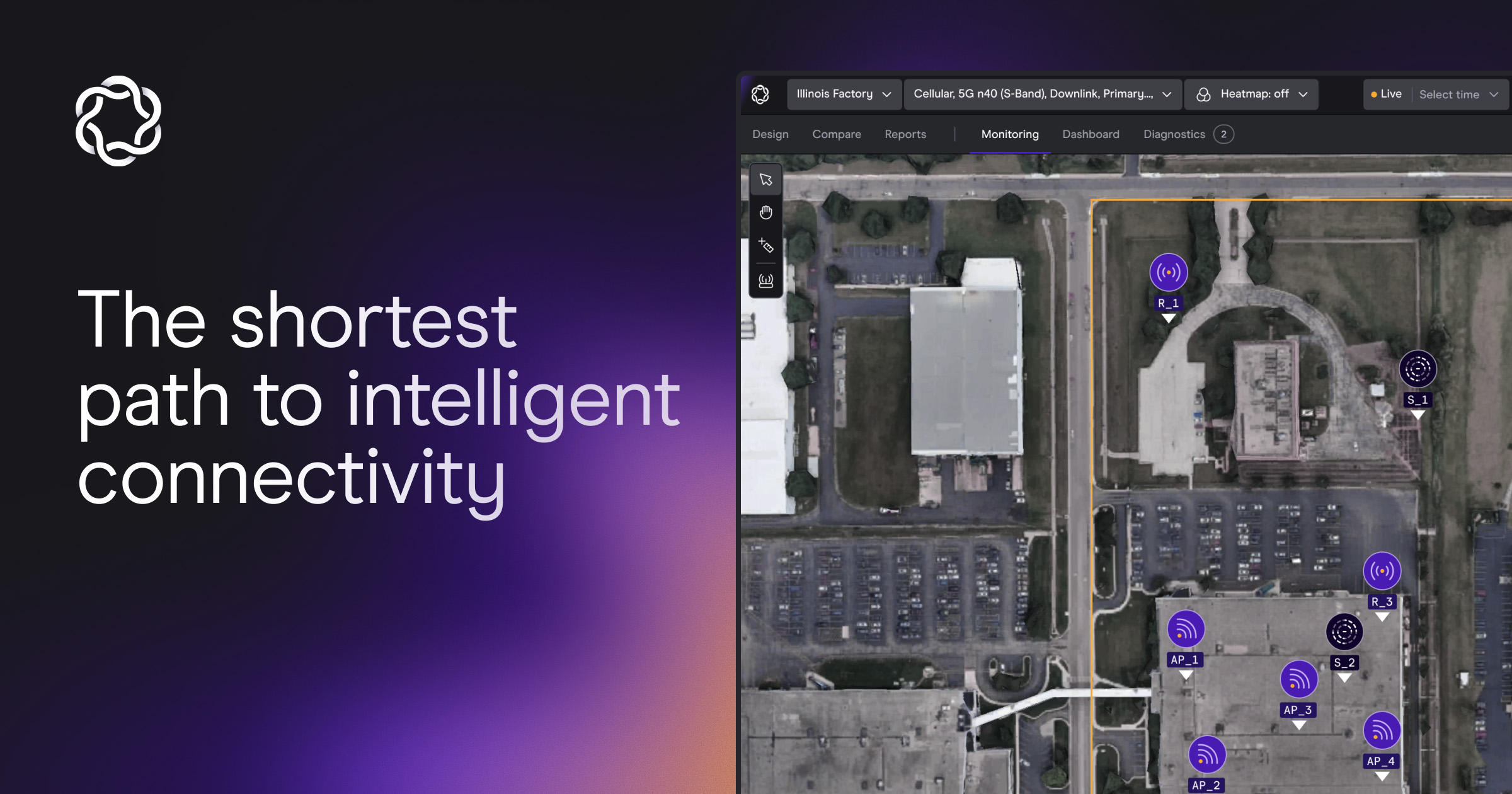
eino has always been built around a 3D digital twin: one live model where the physical scene, the radio plan, and the performance predictions are structurally connected. Walls carry RF materials. Access points carry per-band transmit power, channels, and antenna geometry. Coverage heatmaps are computed against that exact scene. Bills of materials price the exact layouts they describe.
Our MCP server sits on top of that twin. When you ask Claude "what percentage of floor 3 meets −85 dBm?", it doesn't stitch together isolated responses. It reads the same access-checked model our own app serves, down to the specific heatmap your designer saved.
All ten are read-only. All ten respect your existing project permissions. Claude sees exactly what your login sees, nothing more. Raw heatmap grids never leave the platform; coverage answers come back as statistics.
Setup takes about two minutes.
In Claude (web or desktop):
In Claude Code: run claude mcp add --transport http eino [MCP SERVER URL], then authenticate via /mcp.
The most expensive part of a design project usually isn't the design. It's the coordination around it. Status questions that wait for the person who owns the file. BOM requests that turn into export-and-email loops. Client questions at 4pm that need answers from a heatmap only one person knows how to read.
Customers like NTT moved 100% of their outdoor designs to eino because a cloud-native, collaborative model is a week faster than the desktop way, minimum. The MCP server extends that same principle past the app itself: the work your designers already produced becomes answerable, instantly, by anyone on the team who needs it, in the tool where they're already asking questions.
Physical AI is forcing a rebuild of connectivity infrastructure, and the fragmented desktop-tool era can't run what's coming. Networks designed for robots, sensors, and autonomous systems will increasingly be designed, validated, and monitored with AI agents: agents managing the networks agents run on. A protocol-native interface to the network's digital twin is the first, practical step. Today it answers questions; the roadmap writes itself.
The MCP server is the interface. The digital twin is the product.
See it on your own projects. Book a demo
Watch it in action here on Youtube.